I’m a 17 year-old A-Level student and a aspiring Degree Apprentice with a passion for AI and software development.
I have an ambition for developing projects and designing UX/UI self-taught and hope to grow as a degree apprentice in the tech industry.
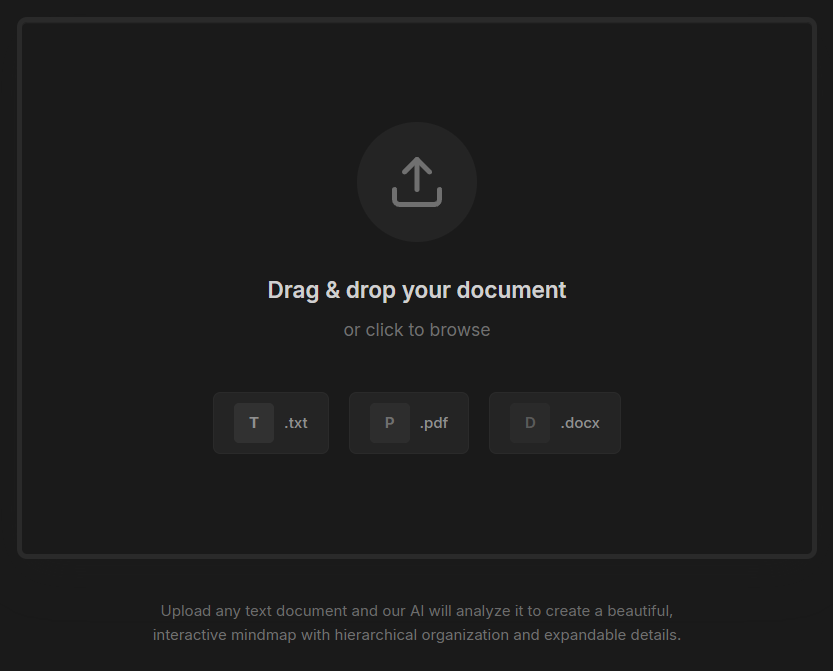
Here on the main page, Users can upload notes in PDF, DOCX, or TXT formats. The system automatically preprocesses and structures the content for AI analysis, with built-in page limit logic to create soft usage caps, ensuring efficient performance and preventing abuse.
2. AI Processing
At the core of Nodemaps is an AI prompt system I built to turn messy text into clean, structured mind map data. I experimented with different prompts and formats until it produced consistent JSON results and clear topic hierarchies. Through this, I learned how to manage AI output reliability and build systems that handle real-world limits, which really helped me develop my problem-solving and practical coding skills.
Here is the prompt used below:
JavaScript
constprompt=`Analyze the following text and create a hierarchical mindmap structure with ONE main topic, 3-5 subtopics, and DETAILED notes under each subtopic.
Return ONLY valid JSON with this exact structure (no markdown, no code blocks, just JSON):
{
"name": "Main Topic (short title)",
"children": [
{
"name": "Subtopic 1",
"children": [
{"name": "Detailed explanation with comprehensive information about this point, including context, examples, and key insights that provide a thorough understanding of the concept"},
{"name": "Another detailed note with extensive information, background context, practical examples, and important considerations for this aspect"}
]
},
{
"name": "Subtopic 2",
"children": [
{"name": "Comprehensive detailed explanation covering multiple aspects, providing in-depth analysis, relevant examples, and practical applications of this concept"}
]
}
]
}
Make sure:
- Main topic is a SHORT title (2-5 words)
- Subtopics are concise (3-6 words)
- Details are COMPREHENSIVE and DETAILED (20-50 words each with full explanations, context, and examples)
- Each detail node should contain rich information that can be expanded
Text to analyze:
\${cleanText}`
This process produces valid data that powers the mind map.
3. Visualization
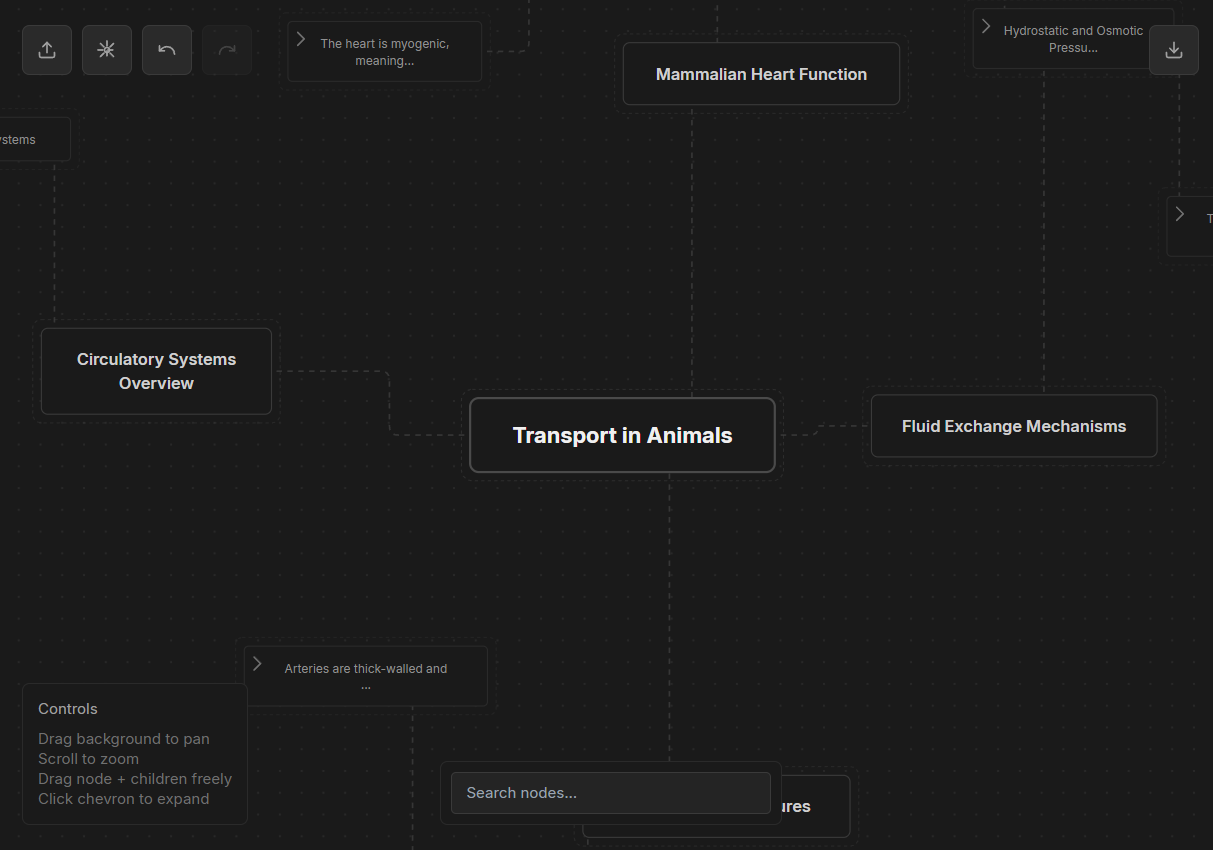
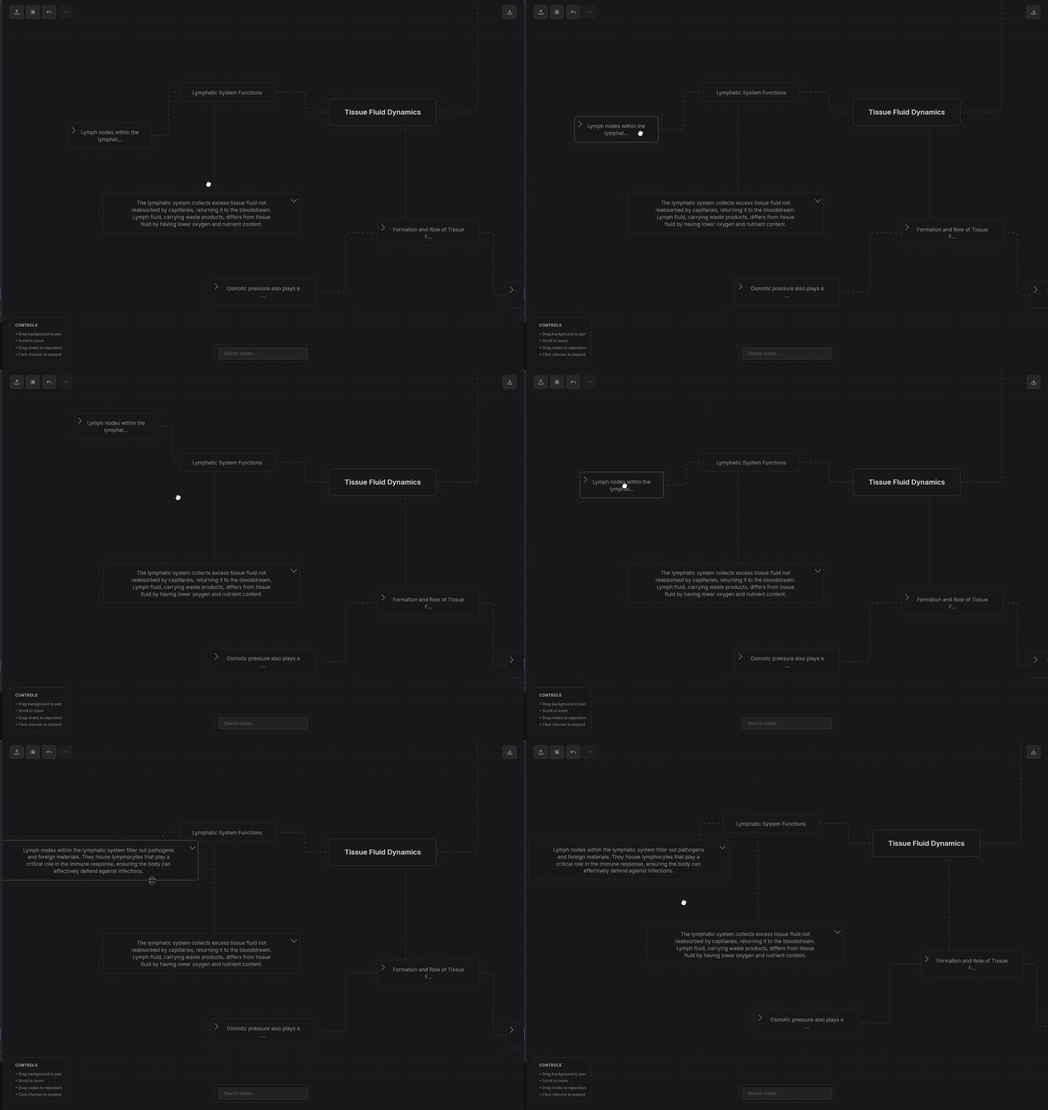
The JSON data is then used to generate the mind map, which is displayed on an interactive canvas that feels smooth and responsive. Each node can be dragged, rearranged, and zoomed into, creating a natural flow for exploring ideas. The layout automatically arranges itself for balance, while built-in controls like undo, redo, and search make navigation simple and efficient.
I designed the interface with a clean dark theme and subtle dotted connectors that animate between nodes, giving the map a living, dynamic feel. The map can also be exported as JSON, making it easy to save or reuse the structured data elsewhere.
Below is a visualisation of a mindmap based on a topic from one of my A-levels:
4. Skills & Learning
Through building Nodemaps, I developed a strong understanding of how software and design come together to create useful digital tools.
I learnt how to write clean, modular code and work with React components to handle data and state effectively.
Designing the user interface taught me how small UI and UX choices can make systems feel simple and intuitive.
I also built problem-solving habits that software engineers use every day, thinking through edge cases, testing limits,
and improving the app’s performance and usability over time. These experiences have really motivated me to grow into
a software engineer and UX-focused degree apprentice.